Making Tax Digital for Landlords, Made Simple
Lendlord is HMRC-recognised Making Tax Digital software. Keep your property records digital, connect to HMRC, and submit your quarterly updates directly from the Lendlord MTD Hub.
✔ HMRC-Recognized for MTD
Is Lendlord recognised by HMRC for Making Tax Digital?
Yes. Lendlord is HMRC-recognised Making Tax Digital software, allowing landlords to connect to HMRC and submit quarterly updates through the MTD Hub.
Who needs to use Making Tax Digital for Income Tax?
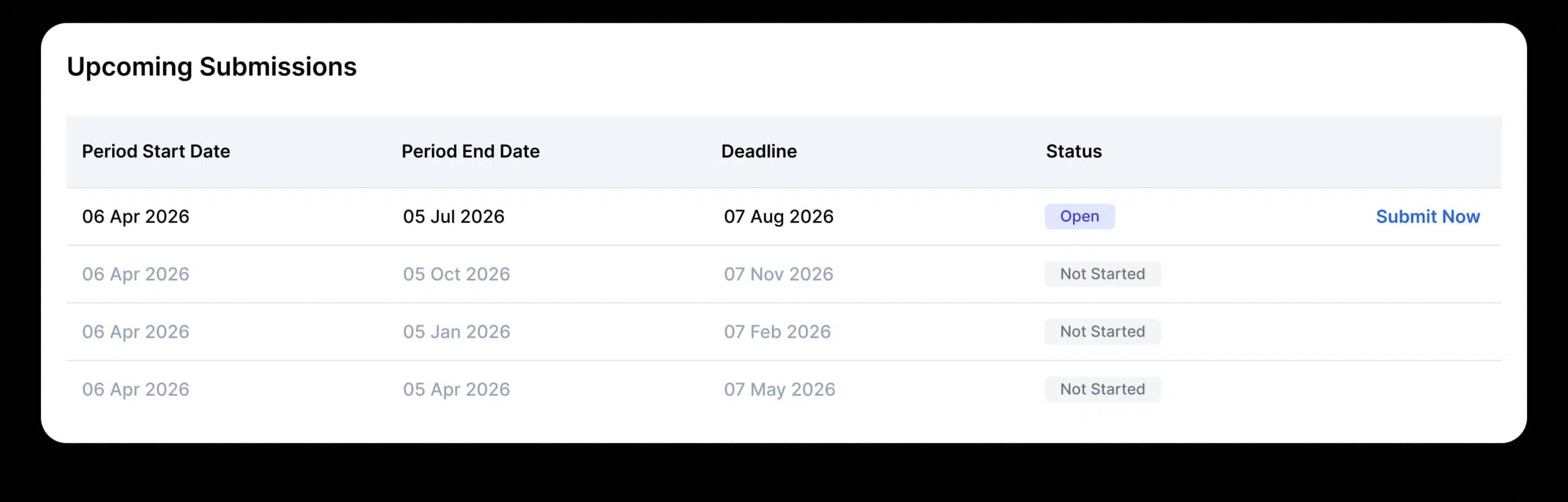
MTD for Income Tax applies to landlords and sole traders with qualifying income above the relevant HMRC threshold. The first group includes those with qualifying income above £50,000 from April 2026, followed by lower thresholds in later years.
What is the Lendlord MTD Hub?
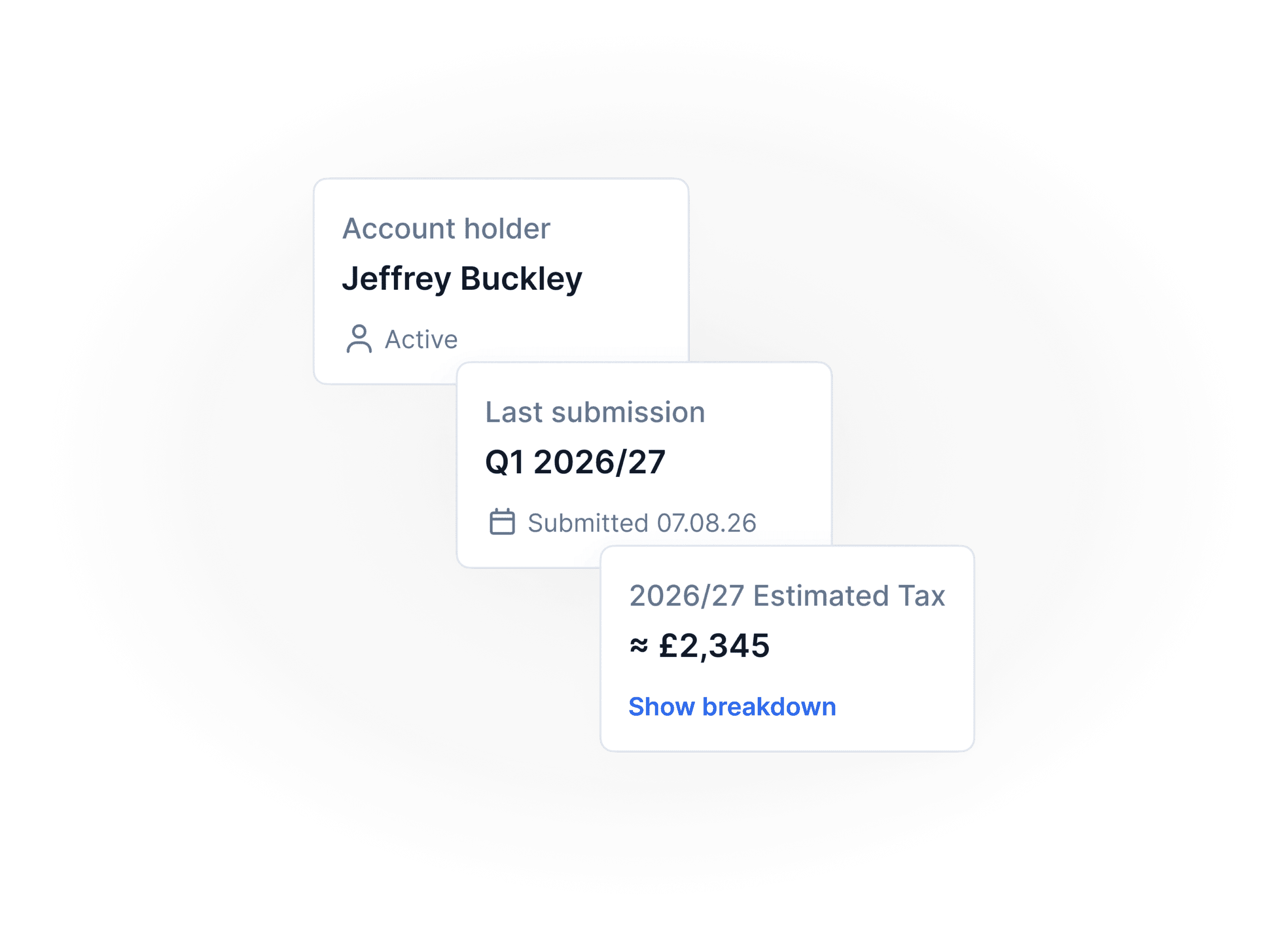
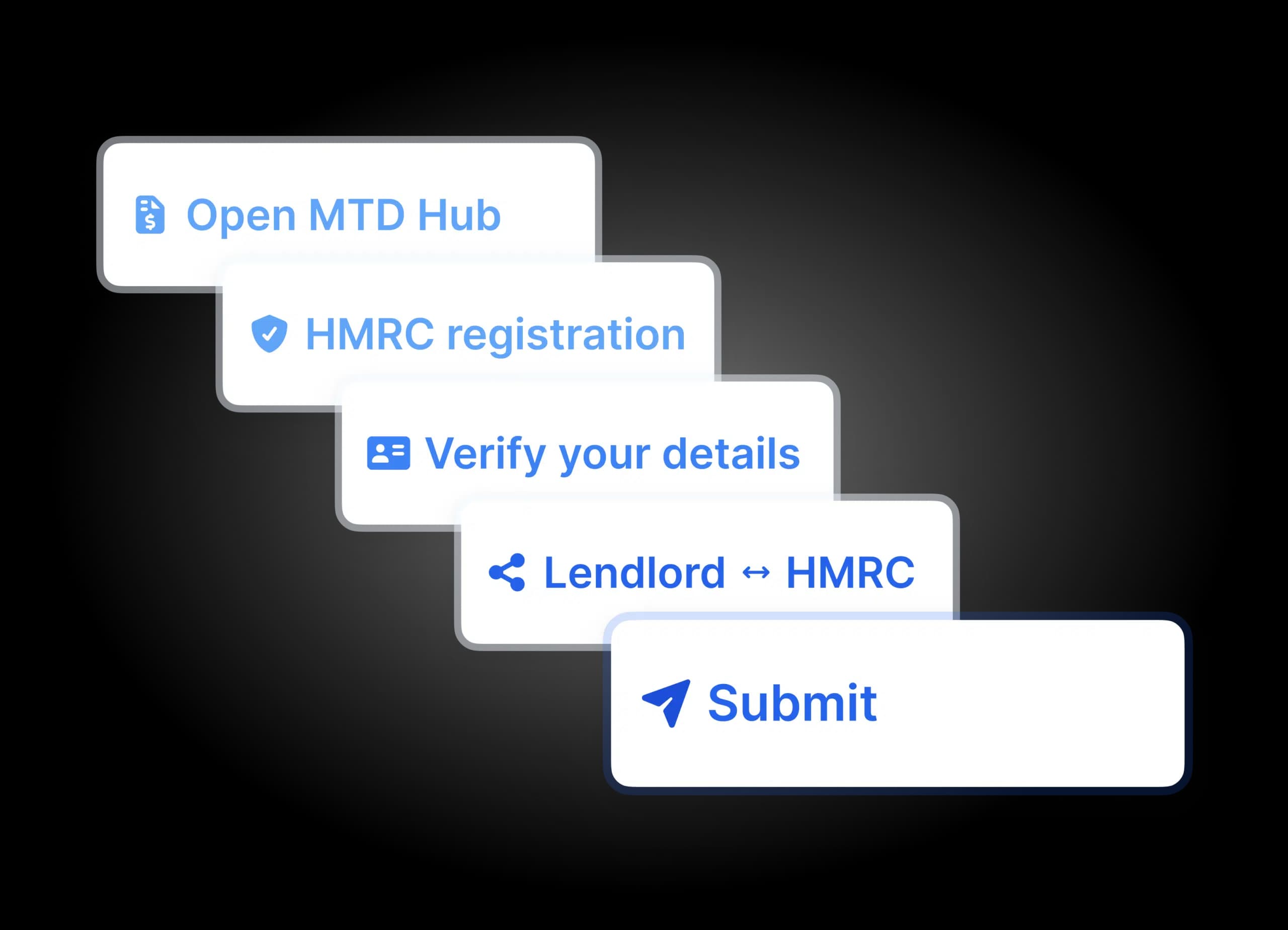
The MTD Hub is Lendlord’s dedicated area for Making Tax Digital. It helps landlords review their property income and expenses, connect to HMRC, submit quarterly updates, and review their submission history in one place.
Can I submit directly to HMRC from Lendlord?
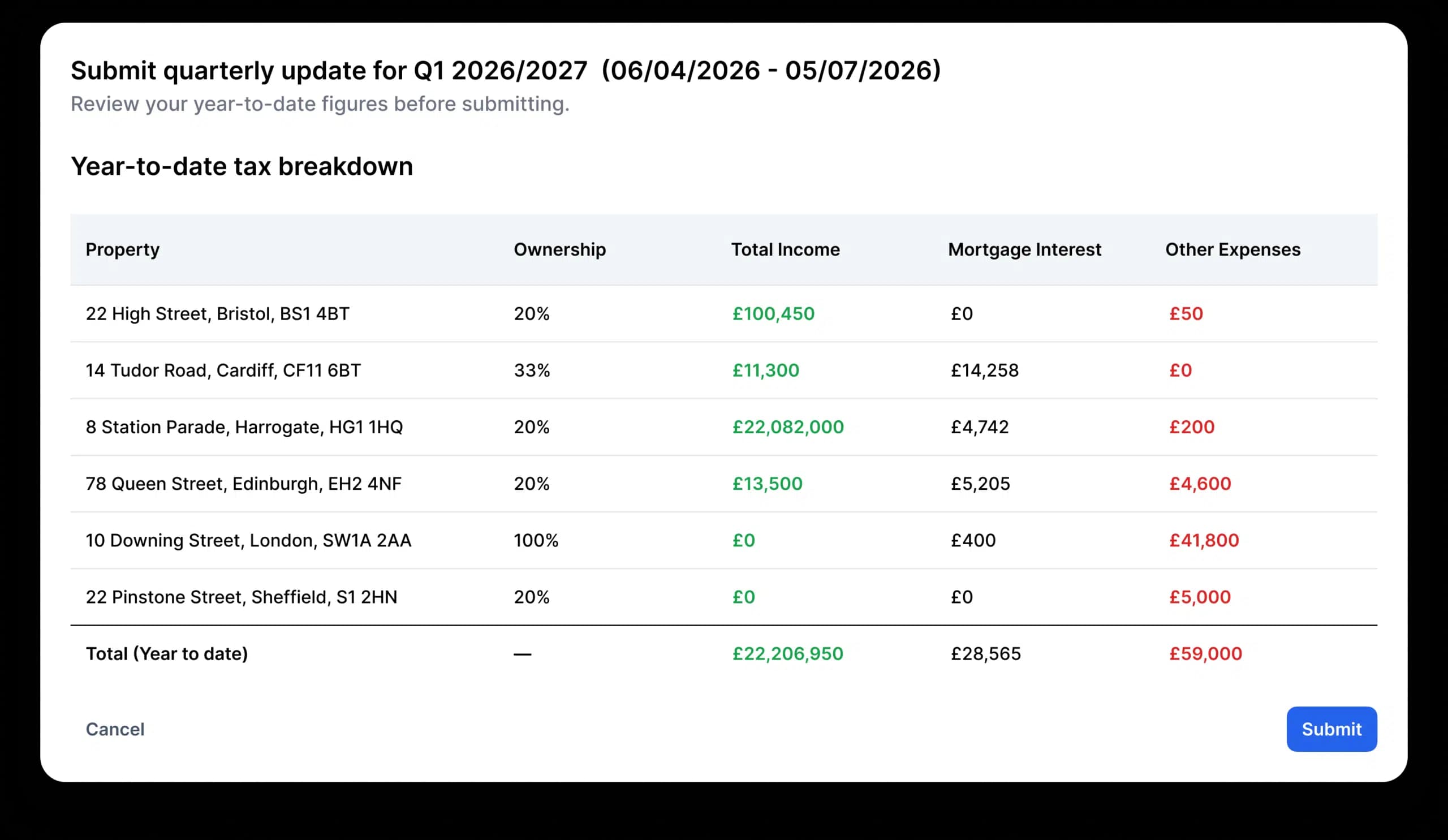
Yes. Once your account is connected to HMRC, you can review your quarterly figures and submit your update directly from Lendlord.
Do I still need to keep digital records?
Yes. MTD requires landlords in scope to keep digital records. Lendlord helps by organising your property income and expenses digitally throughout the year.
Can Open Banking help with MTD?
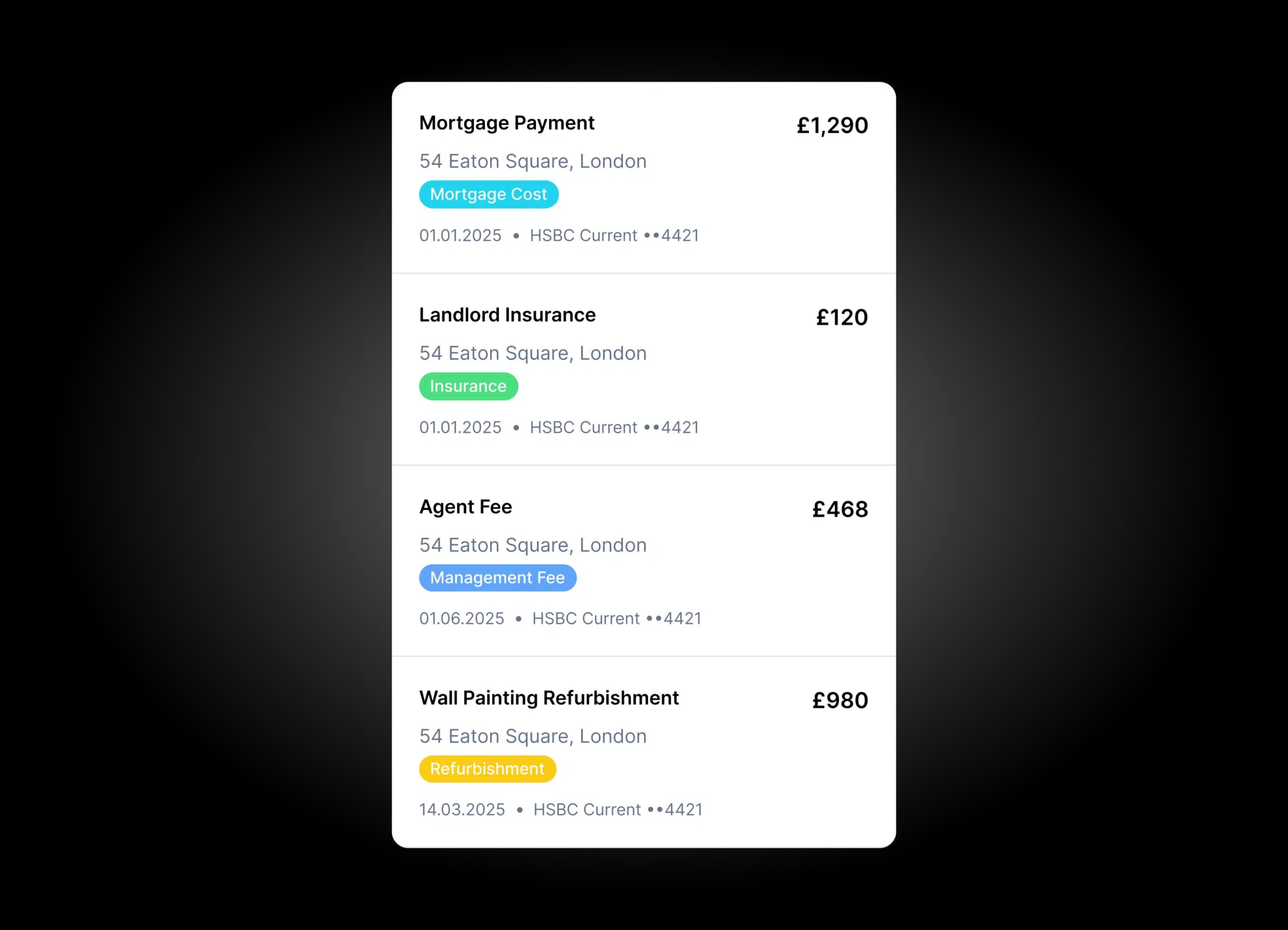
Yes. By linking your bank accounts, Lendlord can help you bring transactions into your account, reconcile them, and categorise income and expenses more efficiently. You can also use automations and rules to categorise recurring transactions going forward, helping you keep your digital records up to date throughout the year.
Can I edit my records before submitting?
Yes. You should review your income and expenses before submitting your quarterly update to HMRC.
Can I submit more than once in the same quarter?
Yes. You can submit more than once during a quarter. Each submission includes your income and expenses from the start of the tax year up to that point, so the figures accumulate throughout the year rather than being limited to that quarter only. You can also correct a previous submission by sending a new submission at any time.
What happens if I miss an HMRC quarterly deadline?
For the first year of MTD for Income Tax, HMRC will not apply penalty points for late quarterly updates. However, you should still submit your update as soon as possible and keep your digital records up to date. Penalties may apply in future years and for other late tax obligations.
Is this only for landlords?
This page focuses on landlords and property income. Lendlord’s tools are designed around property portfolio management, income, expenses, and tax reporting for landlords.